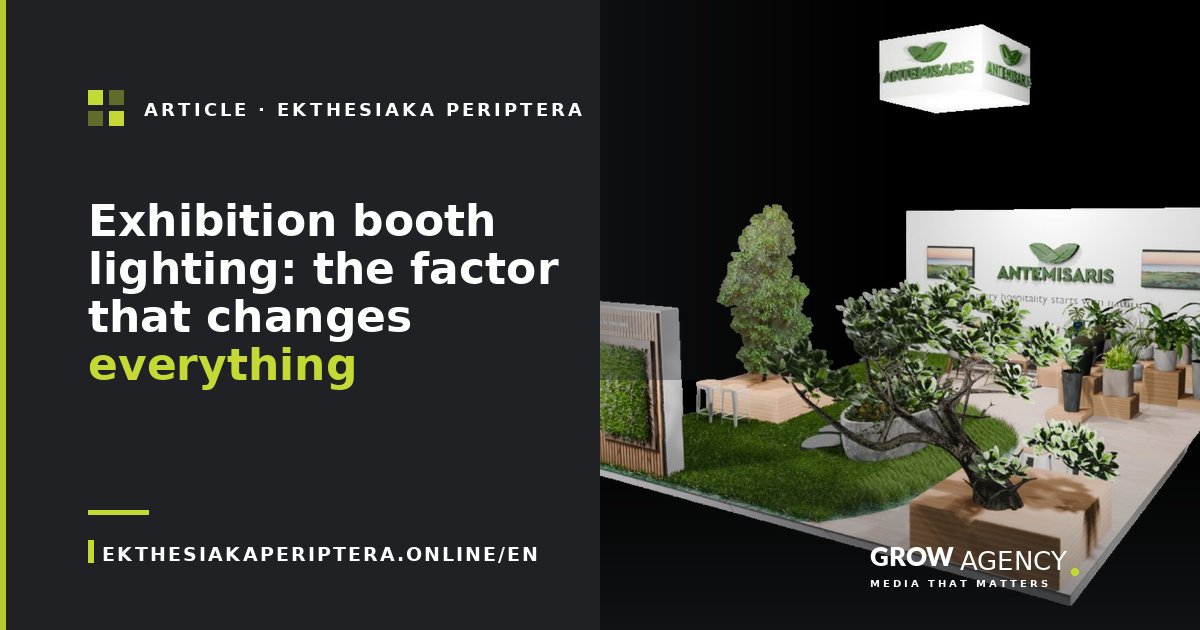
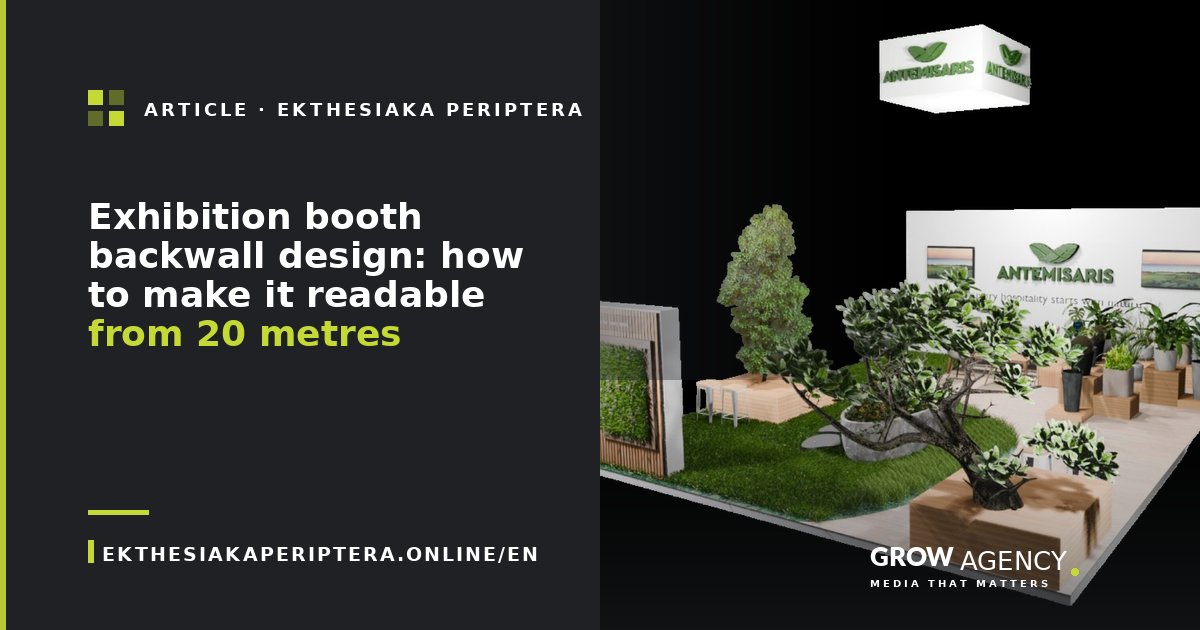
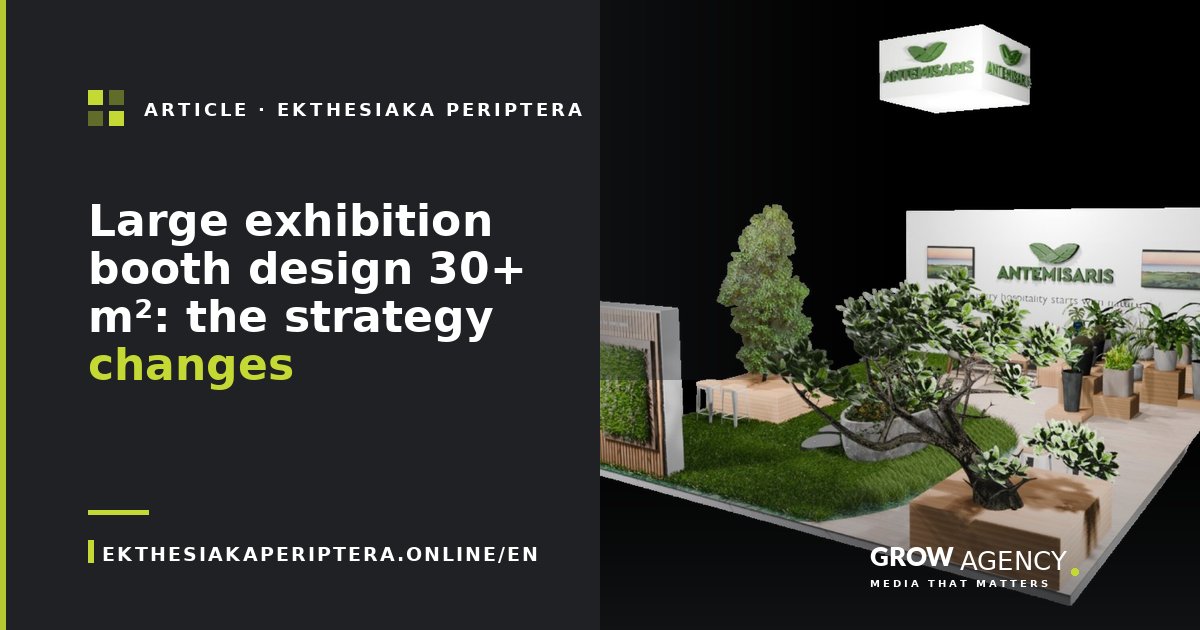
3D booth renders: why they're non-negotiable and how to read them properly
3D renders aren't a luxury — they're insurance before production. What to ask your designer for, which details to check, and when a pretty render is hiding real problems.
 Marina Papanastasiou Head Manager, GROW Agency
 The short answer: a proper 3D booth render isn’t a pretty picture — it’s a technical document that reduces your risk by 80%. With 3-4 photoreal renders from different angles, a top-down floor plan, and a 15-30 second walkthrough animation, you know exactly what will be built at the show before you sign off. In this article we explain what to ask for, what to check, and when a beautiful render is hiding real production problems.
Why 3D renders are no longer optional
Ten years ago a 3D booth render was an indulgence from a specialist studio and cost around 30% of the booth. Today, with modern tools (Blender, SketchUp + V-Ray, Cinema 4D), a regular builder produces 4 renders in 5-7 days at 8-15% of project cost — and without those renders, you have no way of knowing what will actually be built at the show.
From our experience: on projects without 3D renders, 35% of clients change their minds during install. But by then it’s too late — the booth is produced and on-site rework costs double. With proper renders, the client signs off on 100% of the design before production and rework drops to 4-6%.
The 5 renders you should ask for
If your designer offers “one render so you get the idea”, it’s a signal that the project isn’t being designed seriously. The right order:
1. Hero exterior render (eye-level). The angle 80% of visitors will see — from below, at eye height 1.65 m, from 4-6 m away. This render answers the critical question: “Does it catch the eye from a distance?”
2. Top-down floor plan (bird’s-eye, not full 3D). Shows visitor flow, electrical positions, the split between demo / meeting / storage. Answers: “Does it work spatially?”
3. Interior render from the demo angle. What a visitor standing in the demo area sees. Shows whether the seating, lighting, and visual elements work up close.
4. Detail close-up of the graphics. A render of the main headline panel at real dimensions. Here you check contrast, font-size readability, and whether the graphics ‘collapse’ into flatness.
5. Day vs evening lighting comparison. Two versions of the same shot, one with ambient hall lighting and one with all your booth lighting at full output. Shows the difference your lighting makes.
Optional (but recommended): a 20-30 second walkthrough animation around the booth. +€400-800 cost, but it shows flow in a way still renders cannot.
What to look for in a render (the 8 critical checks)
When you receive the first set of renders, don’t focus on “pretty/ugly”. Run the checklist:
1. Is the logo legible at 50% size? 25%? 10%? Ask the designer to send a version of the render at 600px width. If the logo isn’t readable there, in the real booth from 20 m away it won’t be either.
2. Are the graphics at real production dimensions? Designers often make ‘creative’ adjustments that won’t get produced. Ask for confirmation: “Are these graphics produced exactly as shown?”
3. Is the lighting natural or ‘render light’? All renderers tend to add dramatic light that doesn’t translate to a show floor. Ask: “With 800 lux ambient, how will it look?” If they can’t show you, the designer doesn’t understand production.
4. Are all the electrical elements visible? Lights, screens, speakers, cables. In a bad render they “disappear” because they’re hard to model. In reality they’re visible and they affect the aesthetic.
5. Is the furniture realistically scaled against the booth dimensions? Designers often place generic furniture at the wrong scale. A 60 cm stool looks like 90 cm in the render.
6. Does the ground floor represent the actual exhibition floor? If the render shows a shiny marble floor but the show has plain grey concrete, the experience will be different.
7. Are structural elements (hinges, brackets) visible? In bad renders these disappear. In reality they’re visible and can break the aesthetic.
8. Does the render show subtle shadows and gradient, or flat lighting? A realistic render shows nuance. A ‘polished’ render often hides problems under perfect lighting.
The 4 lies bad renders tell
Decades of experience have taught us specific cases where renders mislead clients:
Lie #1: Materials that don’t exist in production. “Glossy lacquered MDF with 95% reflection” — doesn’t exist in reality. Real MDF has 30-50% reflection. If the render shows visitor reflections on the floor, they’re fake.
Lie #2: Backlit graphics where real LED can’t reach. Renders often show a backlit panel with uniform light. In reality, without careful LED placement, the even distribution disappears.
Lie #3: Negative space that ‘doesn’t vanish’ when filled with visitors. An empty render makes the booth look clean and minimal. When 15 visitors are standing inside, the feeling is very different.
Lie #4: Colour accuracy. Renders depend on monitor calibration. An orange that looks ‘vibrant’ on the designer’s screen may look beige in production. Always request CMYK swatches and Pantone confirmation.
When a render isn’t enough — and you need a mock-up
On projects over €25,000, or for flagship shows (Hannover Messe, EuroShop level), we recommend a mock-up: a physical build of a section of the booth (1-2 m²) at production scale before the mass cuts start. Cost: €800-2,500, but it prevents 5-10x as much rework on-site.
Specifically, you need a mock-up when:
- You have unusual materials (not standard MDF/aluminium)
- You’re showing a premium brand at a high-stakes show
- You have graphics with unusual typography or scale
- The booth has unusual structural elements (curves, double-deck, cantilevers)
How to judge a designer through their renders
When evaluating designers, don’t focus on the ‘portfolio examples’. Everyone can show you their 3 best projects. Instead, ask for:
- A photo of the actual booth next to the render of it. How close are they? This tells you whether the designer is selling an idea or a deliverable.
- A real-time walkthrough video in the render. The easiest way to spot ‘render alchemy’ is to see how materials change at different angles.
- Reference projects and their prices. If the designer says “we don’t share pricing”, it’s a signal that pricing has wild variance depending on the client.
Frequently asked questions about 3D renders
How much should renders cost as a percentage of the project? 8-15% is normal. Below 5% often signals low-quality renders. Above 18% is overkill for a mid-budget booth.
Do you get the source files (3D model)? With most builders, the 3D files remain the designer’s property. If you want the source files, agree to it in the initial contract (cost +20-40%).
Can I request changes after renders are delivered? In 90% of contracts, 2-3 revisions are included. Extra revisions are charged at €80-200 per hour.
Is it fair to ask for free renders in the proposal? No. Good designers don’t give free renders — if they do, the quality matches. Compromise: you get a free concept brief without cost, but for photoreal renders the payment cycle starts.
How long does it take from concept agreement to renders? Typically 5-10 working days for the first set. Revisions 2-3 days per cycle.
What resolution should I request for final renders? Minimum 3840×2160 (4K). For board presentations or critical meetings, ask for 6000×3375 (6K). That ensures they print at A1 without pixelation.
Are AI-generated renders acceptable? In 2026, for concept exploration yes. For final approval, no — AI renders don’t faithfully represent production specs (dimensions, materials, joint locations).
How do I tell a real 3D render from a photograph? In 2026 it’s almost impossible with a good render. Tell-tale signs of a render: visible noise patterns at the corners or subtle warping in materials.
Are night-time renders necessary? If your show has evening hours or networking events, yes. Otherwise optional.
Can I use the renders for marketing after the show? Agree up front. In our contracts, the client gets unlimited marketing usage rights to the renders. With others, additional licensing fees may apply.
Designing a new booth and need renders that actually reflect production? Send us your brief and we’ll start with 3D concepts within a week. Also read how much an exhibition booth costs and 10 common exhibition booth mistakes.